
TV Defense Codes
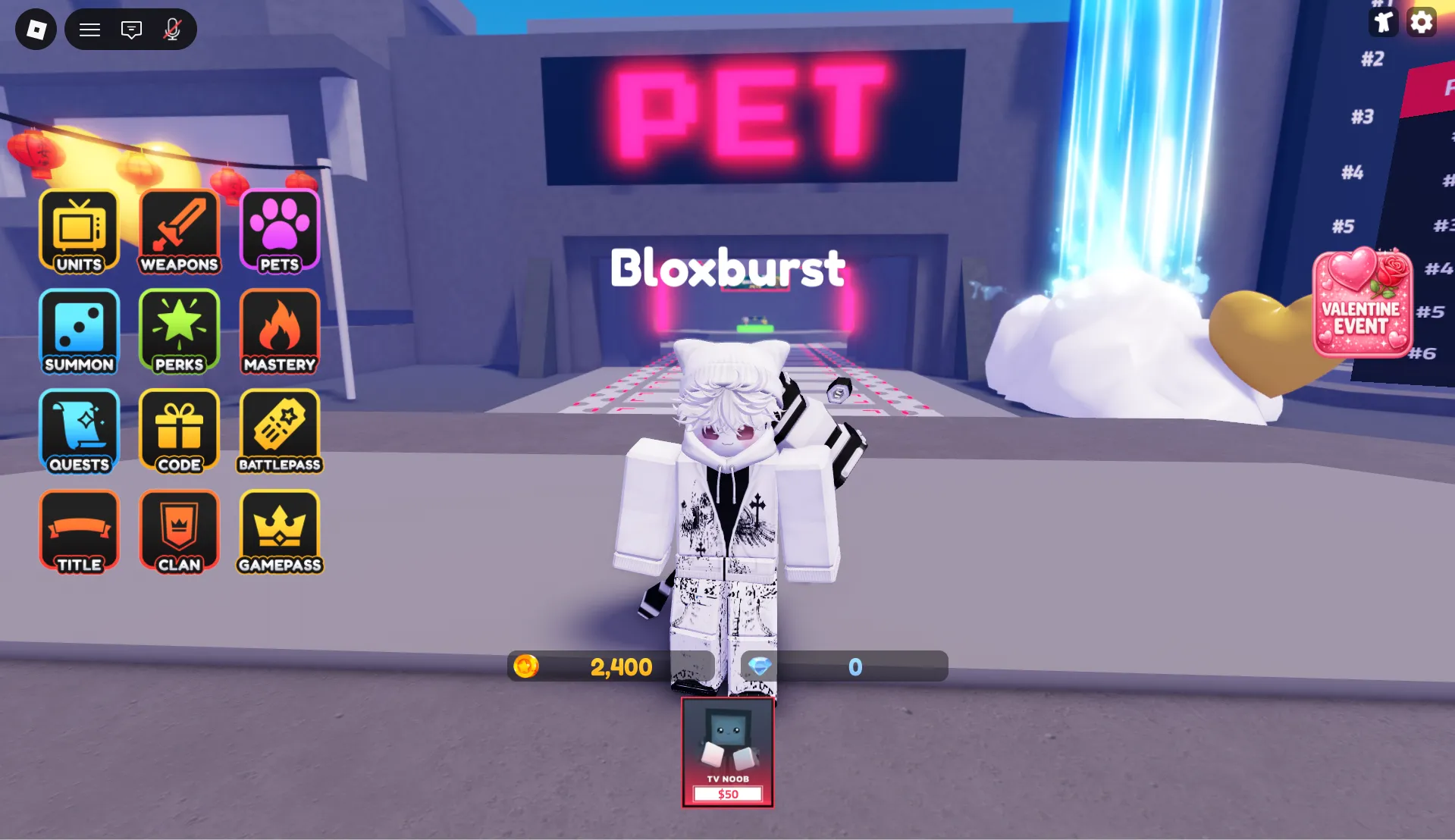


Latest TV Defense Codes (April 2026)
How to Redeem Codes
- Press the Codes button at the bottom of the screen.
- Enter a valid code in the text box and click Redeem.
- If the code is active, you’ll receive your free rewards instantly.
- If it doesn’t work, feel free to let us know in the comments!
About TV Defense
TV Defense is a quirky tower defense experience on Roblox where players command an army of TV-headed characters to fend off waves of bizarre enemies, including the infamous toilet foes. With a lighthearted meme-inspired aesthetic and strategic placement mechanics, the game blends humor with genuine tactical depth. Earn coins by defeating enemies, summon new units with unique abilities, and upgrade your defenses to survive increasingly challenging rounds across multiple maps and game modes.
Developed by mosqto2001, TV Defense receives frequent content updates, seasonal events, and community-driven milestones that keep the gameplay fresh. Promo codes are regularly released to celebrate patches, holidays, or player achievements, granting valuable resources like Coins, Gems, Diamonds, and limited-time event items. Whether you're casually defending your base or optimizing strategies for endless mode, the game offers scalable fun for both newcomers and veteran tower defense fans.
How to Find New Codes
Why Some Codes Don't Work
Letter Case Matters
This game distinguishes between uppercase and lowercase characters during code validation. Entering abc123 when the code is ABC123 will trigger an error. To avoid frustration, match the exact capitalization shown or copy-paste directly from a verified source like BLOXBURST.
Spacing Is Part of the Code
If a promo entry includes visible gaps or separators, those characters are required for successful redemption. Removing, adding, or misplacing a space will cause the system to reject the input. When in doubt, replicate the format precisely or use copy-paste for accuracy.
Code Has Expired
Many codes are designed for short-term campaigns tied to updates, holidays, or community goals. Once the window closes, the code deactivates automatically without warning. If a properly entered code fails, it's likely past its validity period — check trusted trackers for newer replacements.
One Claim Per Account
Redemption limits are enforced per Roblox user ID. Attempting to submit the same code twice will return a "used" or "invalid" response. If you encounter this message, the reward has already been credited to your inventory. Review your items or currency balance before trying a different active code.
Beginner Tips for TV Defense
Claim all active codes before starting a match. Free Coins, Gems, or event items from codes give you an early advantage in summoning stronger units and upgrading defenses. This quick step can significantly boost your early-game momentum.
Not all TV characters scale equally. Focus on unlocking and upgrading units with strong area damage or crowd-control abilities to handle waves efficiently. Investing wisely early saves resources and accelerates your progress through harder stages.
Position your strongest defenders where enemies cluster or follow predictable paths. Combining splash-damage units with single-target snipers at key locations maximizes your defensive output and reduces leaks.
Event-specific items like Easter Eggs or Firecrackers often unlock exclusive units. Hold onto them for limited-time summoning banners instead of spending immediately — patience can reward you with meta-defining characters.
Meow Dev often releases fresh codes following game updates or seasonal events. Make it a habit to check BLOXBURST or official channels post-maintenance for new free rewards that can fuel your next defense session.
Latest Update Wiki
Fresh guides + updates from BLOXBURST Wiki
How to Redeem Roblox Codes (Step-by-step)
A quick guide to make sure you don't make mistakes when redeeming.
Read →How we check codes (manual testing)
An explanation of how we scan and test codes.
Read →Common reasons for "Invalid Code".
Common issues and fast solutions.
Read →💬 Leave a Comment
Have a question or feedback? Send it to us!