
RoCast Online Codes
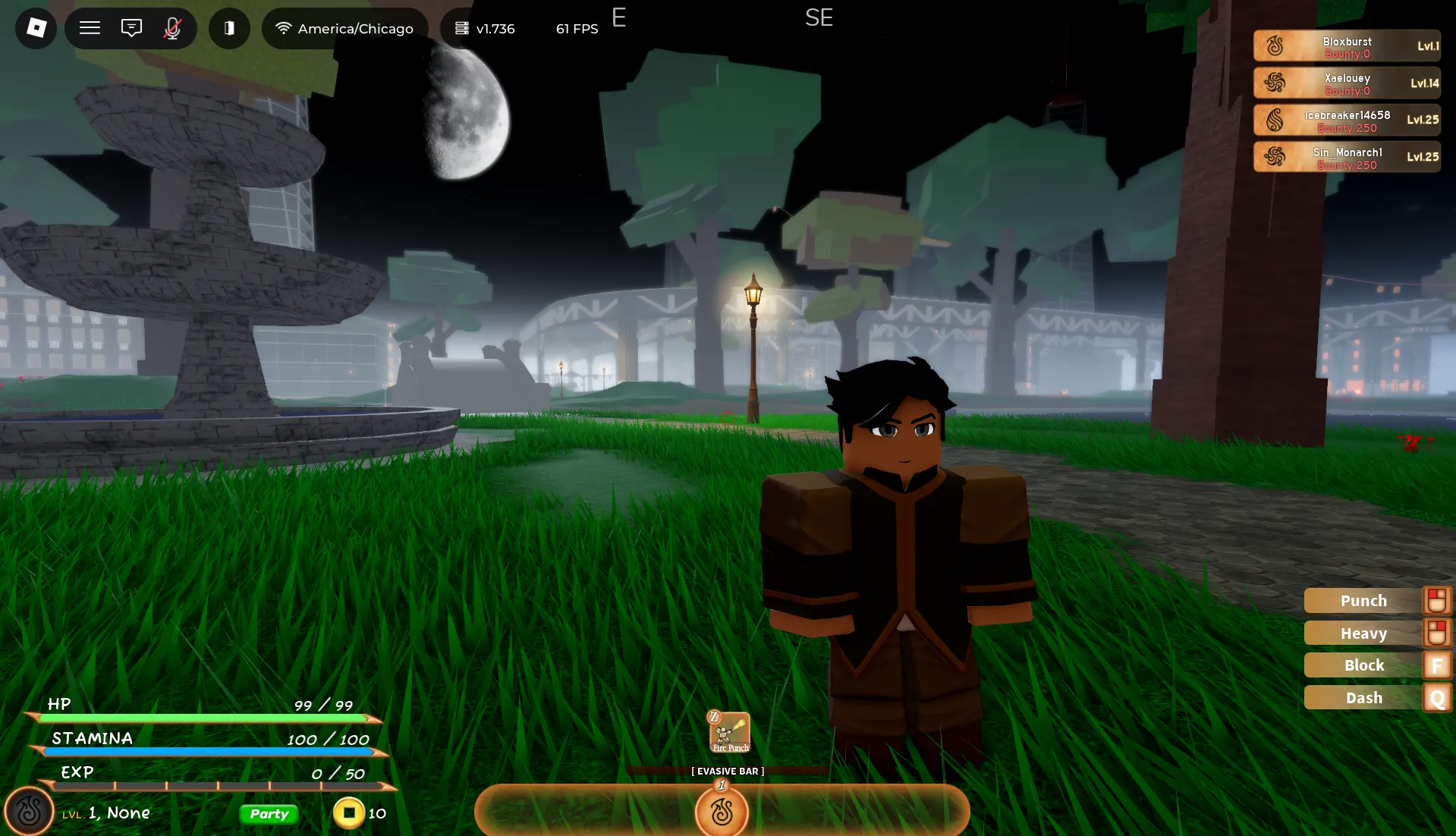


Latest RoCast Online Codes (April 2026)
How to Redeem Codes
- Launch RoCast Online on Roblox and wait for the game to fully load.
- Press M on your keyboard and click the Settings Cog icon.
- Scroll to the bottom of the Settings window to find Code Redemption.
- Enter a working code in the text box and press Enter to claim your free Spins, Stat Points, or Coins.
About RoCast Online
In Roblox RoCast Online—formerly known as Elemental Odyssey, Robending Online, and RoCasting Online—you begin your adventure as a novice elemental, stepping into a world where mastery over natural forces defines your strength and identity. At the start, you’ll choose your primary element, such as fire, water, earth, or air, each offering unique abilities, playstyles, and strategic advantages. This choice shapes how you approach combat, exploration, and progression throughout the game. As you advance, you’ll take on quests, battle enemies, and train your character to unlock increasingly powerful techniques. The game encourages creativity in how you use your elemental skills—combining attacks, adapting to different situations, and discovering effective strategies against a wide range of opponents. Whether you prefer aggressive combat or a more defensive and tactical approach, your element can be developed to suit your playstyle.
Progression in RoCast Online revolves heavily around improving your stats and expanding your abilities. This is where in-game codes become especially valuable. Redeeming codes grants rewards such as spins, stat points, and coins, all of which significantly boost your progress. Stat points can be distributed to enhance your melee damage, increase your health for better survivability, or strengthen your elemental powers, allowing you to deal more damage and unlock advanced skills. Spins, on the other hand, give you a chance to obtain a sub-element—special variations or secondary abilities that can complement your main element and open up new combat possibilities. Meanwhile, coins serve as the primary currency in the game, letting you purchase weapons, items, and other useful resources that aid in your journey. By combining smart stat allocation, strategic use of spins, and effective resource management, you can steadily grow stronger and become a formidable elemental master in the world of RoCast Online.
What Do Codes Give You?
Sub-Element Spins
Spins let you roll for rare sub-elements that enhance your primary element's abilities. Most active codes award 10-20 spins per redemption, giving you more chances to unlock powerful combinations.
Most CommonStat Points
Stat points improve your Melee damage, Health pool, and elemental mastery. Use them strategically to build a character that matches your playstyle — offense, defense, or balanced.
RareCoins
In-game coins used to purchase weapons, gear, cosmetics, and upgrades. Select codes award coin boosts or direct coin rewards to help you progress faster.
Common2x Boosts
Temporary 2x Drop Rate, 2x EXP, or 2x Coins boosts (30-60 minutes) that accelerate your progression. Activate these before grinding quests or farming for maximum benefit.
Limited TimeHow to Find New Codes
Why Some Codes Don't Work
Code Has Expired
RoCast Online codes can expire without notice. If the game shows "expired," the code is no longer valid — check BLOXBURST for the latest working list.
Wrong Capitalization
Codes are case-sensitive. A single wrong letter — for example, lowercase where uppercase is expected — will cause the redemption to fail. Always copy and paste directly.
Already Redeemed
Each code can only be claimed once per Roblox account. If it was redeemed previously, the game will display an "already redeemed" message and no reward will be given again.
Server Not Updated
Brand-new codes sometimes fail on older servers. Exit the game completely, then rejoin to land in a fresh server running the latest build where the code will be recognized.
Invalid Code Error
If you see "Invalid" instead of "Expired," the code was typed incorrectly. Double-check for extra spaces before or after the code, then try again after removing them.
Code Not Recognized
Some codes are only available in specific server regions or require group membership. Join the official Elemental Odyssey Roblox group first and try redeeming again.
Beginner Tips for RoCast Online
Claim every active code first before allocating stat points or buying items. The Spins and Coins you get from codes expand your options from the very first minute of your journey.
Activate 2x Drop Rate, EXP, or Coins boosts right before a focused grinding session. The temporary multiplier compounds your rewards significantly if timed correctly.
Don't spend all your spins immediately. Research which sub-elements synergize best with your main element, then use your code-earned spins to target those upgrades.
Don't dump all points into one stat. A balanced build (Melee + Health + Element) keeps you versatile in combat and adaptable to different quest challenges.
New codes often drop during updates or milestones. Being in the official Discord with notifications on ensures you redeem limited-time codes before they expire.
If a freshly announced code doesn't work, exit and rejoin the game. This moves you to a server running the latest update where the code will be recognized.
Latest Update Wiki
Fresh guides + updates from BLOXBURST Wiki
How to Redeem Roblox Codes (Step-by-step)
A quick guide to make sure you don't make mistakes when redeeming.
Read →How we check codes (manual testing)
An explanation of how we scan and test codes.
Read →Common reasons for "Invalid Code".
Common issues and fast solutions.
Read →💬 Leave a Comment
Have a question or feedback? Send it to us!