
Mojave Valley Codes
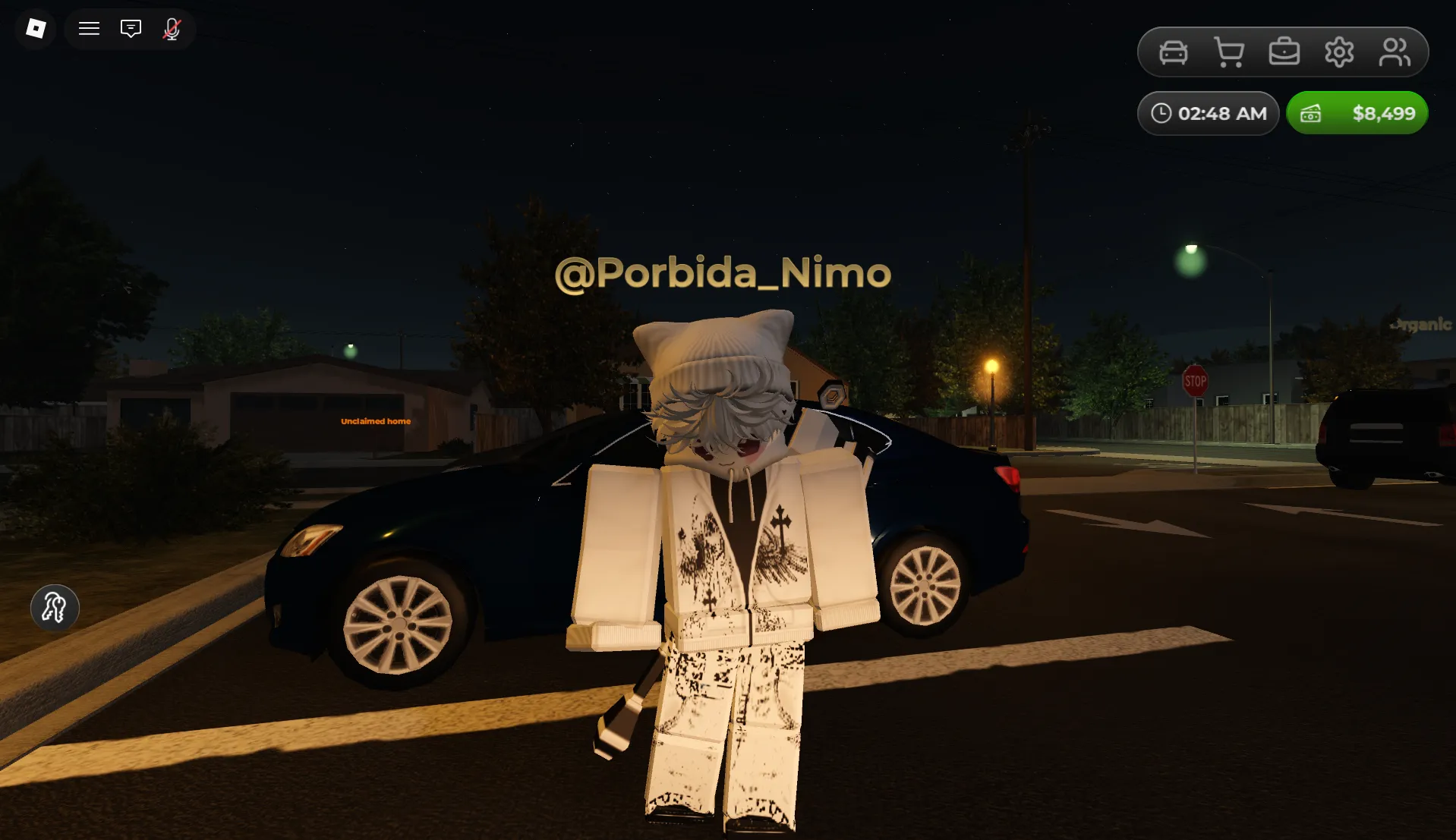


Latest Mojave Valley Codes (May 2026)
How to Redeem Mojave Valley Codes
- Launch Mojave Valley on Roblox and wait for the desert map to load.
- Press the Shopping Trolley button located in the top right corner of the screen.
- Click on the Codes tab inside the menu interface.
- Enter a working code in the "ENTER CODE" text box exactly as shown (codes are case-sensitive).
- Hit the green arrow button to receive your free Cash or Freebies instantly.
- If the code doesn't work, try rejoining the game to refresh the server, or check if it has already expired.
About Mojave Valley
Mojave Valley delivers an immersive roleplay driving experience set in a meticulously crafted California desert environment. Explore realistic cityscapes, cruise in detailed JDM imports and custom vehicles, and connect with friends to create unforgettable stories through organic roleplay interactions. The game emphasizes authentic driving physics, scenic exploration, and social freedom—making every session feel like a mini road trip with endless possibilities for adventure and creativity.
Built for car enthusiasts and roleplayers alike, Mojave Valley rewards exploration and community engagement. Redeeming codes for Cash and Freebies gives you a valuable head start as you purchase your first vehicle, customize your ride with unique parts, and unlock access to rare JDM imports. These rewards accelerate your early-game progression without breaking immersion—letting you focus on the joy of the open road, the thrill of collecting dream cars, and the satisfaction of building your reputation in a vibrant, player-driven desert world.
🌵 Explore & Roleplay
Drive through realistic desert highways, hidden canyons, and urban districts while interacting with other players. Create your own stories, join impromptu car meets, or simply enjoy the scenic views—Mojave Valley puts the freedom of the open road in your hands.
💰 Cash, Cars & Customization
Earn Cash through driving and activities, then invest in vehicles, performance upgrades, and visual customizations. Codes provide instant Cash boosts to skip early grinding, helping you reach that dream JDM import or rare customization faster.
How to Find New Mojave Valley Codes
Why Some Mojave Valley Codes Don't Work
Match the Exact Letter Case
Mojave Valley validates codes with strict character recognition. Typing jdmimports instead of JDMIMPORTS will trigger an error. To avoid failed attempts, replicate the capitalization exactly as displayed or paste directly from a trusted source like BLOXBURST.
No Extra Spaces or Symbols
Only enter the code itself—no quotation marks, hashtags, or leading/trailing spaces. The input field accepts alphanumeric characters and underscores only. When unsure, copy-paste the full string from our verified list for precision.
Code Has Expired
Many Mojave Valley codes are designed for short campaigns tied to updates, holidays, or community goals. Once the event window closes, the code deactivates automatically. If a properly entered code fails, it's likely past its validity — check reliable trackers for newer replacements.
Server Sync or Menu Location
Some new codes may not work on every server immediately after release. Also, ensure you're accessing the Codes tab inside the Shopping Trolley menu. Try logging out and back in, joining a different server, or verifying you're in the correct menu section to resolve "invalid code" errors.
Beginner Tips for Mojave Valley
Claim all active codes before spending any earned Cash. Free Cash and Freebies from codes give you instant purchasing power, letting you skip the early grind and jump straight into buying that dream JDM import or essential customization parts.
Use your initial rewards to buy a reliable, all-purpose vehicle before chasing rare imports. A balanced first car lets you explore the map efficiently, earn Cash faster through driving activities, and save up strategically for high-end customizations later.
Mojave Valley hides secret locations and scenic routes that often reward bonus Cash or roleplay opportunities. Take time to explore off the main highways—you might discover hidden photo spots, car meet locations, or even developer easter eggs that boost your progression.
Official Mojave Valley frequently hosts car meets, roleplay events, and community challenges on Discord. Participating can unlock exclusive vehicles, customizations, or bonus Cash—plus it's a great way to connect with fellow enthusiasts and learn advanced driving tips.
Official Mojave Valley often releases fresh codes following patches, milestone celebrations, or holiday events. Make it a habit to check BLOXBURST or official Discord after updates for new free Cash or Freebies that can freshen up your vehicle collection strategy.
Latest Update Wiki
Fresh guides + updates from BLOXBURST Wiki
How to Redeem Roblox Codes (Step-by-step)
A quick guide to make sure you don't make mistakes when redeeming.
Read →How we check codes (manual testing)
An explanation of how we scan and test codes.
Read →Common reasons for "Invalid Code".
Common issues and fast solutions.
Read →💬 Leave a Comment
Have a question or feedback about Mojave Valley? Send it to us!