
Massacre Codes
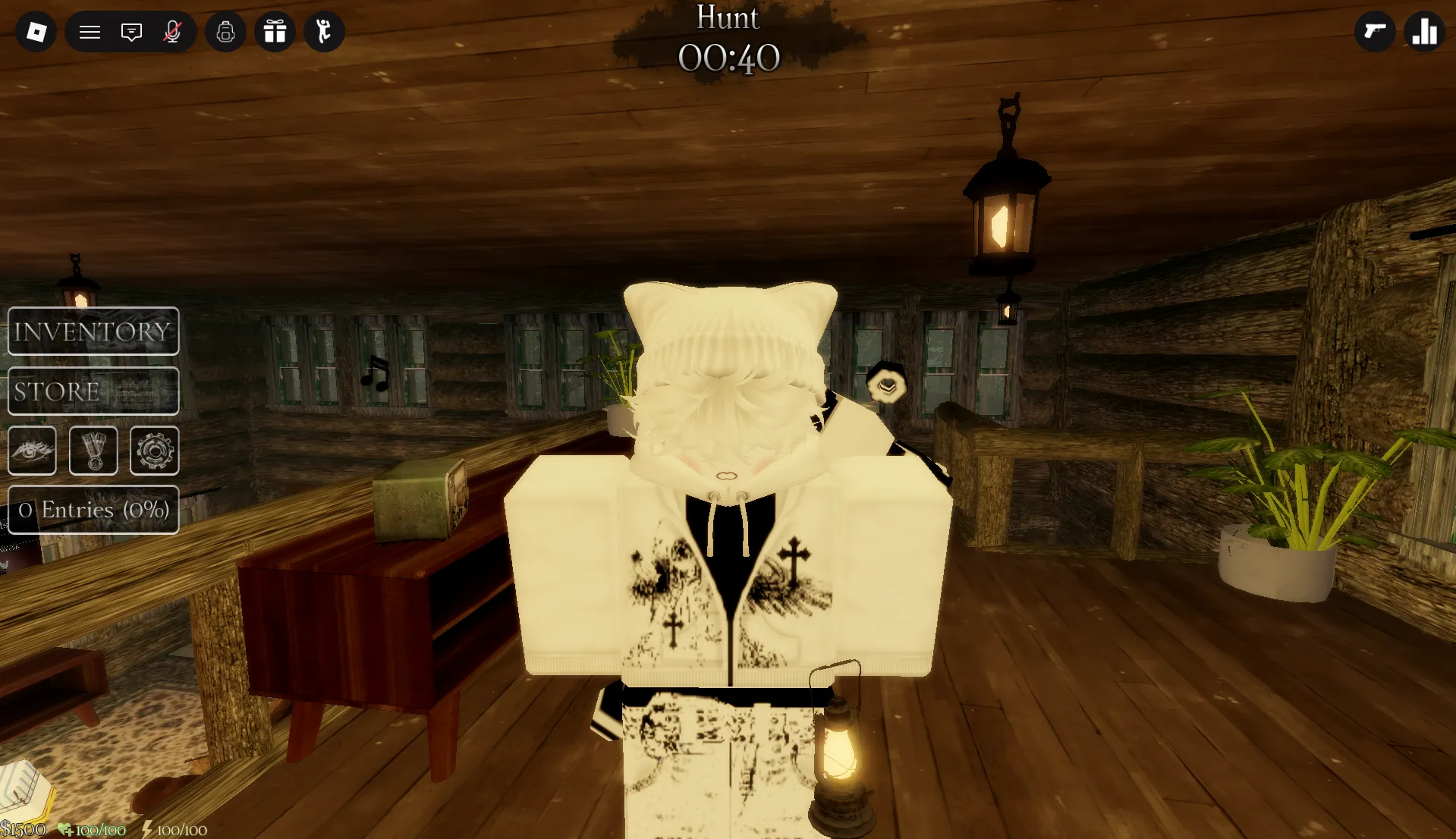


Latest Massacre Codes (April 2026)
How to Redeem Massacre Codes
- Launch Massacre on Roblox and wait for the game to load.
- Press the Store on the left of the screen, between the soda can and the eye buttons.
- Scroll down to the bottom of the Shop.
- Enter a working code in the Enter a code text box exactly as shown (codes are case-sensitive).
- Hit the Enter/Return key on your keyboard to instantly claim your Perks Crates, Credits, or Game Passes.
- If the code doesn't work, double-check capitalization, ensure no typos or extra spaces, or verify the code hasn't expired.
About Massacre
In Roblox Massacre, you will play an intense game of hide and seek where you are either a survivor or the powerful killer. If you are a survivor, your goal is to run, hide, and do everything possible to stay safe from the person who is hunting everyone down. As the killer, your mission is to show no pity and find every single target!
What makes Massacre stand out is its rewarding progression system: Perks Crates, Credits, and temporary Game Passes help you unlock perks, purchase items, and test Game Passes to see if they're worth it. Regular code drops from Abysmal Covenant provide free rewards—perfect for new players looking to enhance their survival or hunting experience without endless grinding.
What Do Codes Give You?
Perks Crates
Perks Crates contain random perks that can give you advantages in the game. These help you unlock special abilities and enhancements to improve your survival or hunting capabilities.
Random PerksCredits
Credits are in-game currency used to purchase items, perks, and other enhancements. Code rewards like 4,000 Credits from 20kfavswow or 5,000 Credits from 1milwow give you immediate purchasing power.
CurrencyTemporary Game Passes
Temporary Game Passes let you test premium features for a limited time (usually two rounds). These include perks like Superpush and other game-enhancing abilities to see if they're worth purchasing permanently.
Test FeaturesHow to Find New Massacre Codes
Why Some Massacre Codes Don't Work
Case-Sensitive Input
All Massacre codes are fully case-sensitive. Entering !code bugspmo instead of !code bugspmo will fail. Copy codes directly from verified sources to avoid typos and capitalization errors.
Special Characters Matter
Some codes include special characters, emojis, and punctuation (!code 🙁, !code noupdate:(). Missing or changing any character will cause redemption to fail. Paste codes exactly as listed for best results.
Code Has Expired
Massacre codes can expire without advance notice. BLOXBURST cross-checks multiple sources before updating the active list — any code showing expired or conflicting status is moved immediately. If a code does not appear in the active list here, it has been flagged and will not work.
Already Redeemed
Each Massacre code is single-use per Roblox account. If the game returns an already-redeemed message, the rewards were added in a previous session. With a long history of update and milestone codes, players returning after a gap may have claimed codes they no longer remember.
Old Server After Update
Codes released alongside a new Massacre update can fail on servers still running the previous build. If a newly announced code returns invalid on the first attempt — particularly within the first hour or two of a patch — exit the game entirely and rejoin to land on a fresh server running the current version.
Extra Space in the Code Field
Copying a code can include a hidden leading or trailing space that triggers an invalid response even when all visible characters are correct. After pasting, click at the very start and end of the code field to check for extra spaces before pressing Enter. On mobile, clipboard paste behaviour varies between apps and spaces are easily introduced without any visible indicator.
Beginner Tips for Massacre
Before starting a match, redeem every active code to collect free Perks Crates, Credits, and temporary Game Passes. Then spend Credits on perks that match your preferred playstyle (survivor or killer) rather than spreading resources thin. This stretches your resources further and accelerates early progression.
Use temporary Game Passes from codes to test if premium features are worth purchasing permanently. Try them in actual matches to see if they fit your playstyle before spending your hard-earned Credits.
Whether you're a survivor or killer, spend time learning the maps, hiding spots, and strategies. Understanding your role gives you a significant advantage in matches.
Abysmal Covenant releases new codes with most major updates. Checking the official Discord announcements channel after any patch is the most reliable way to catch fresh codes within minutes of release.
Massacre codes are case-sensitive and must be entered exactly as shown. Copy codes directly from this page and paste into the game's code field to avoid manual entry errors that cause redemption failures.
Use free Credits from codes to fund early perk purchases rather than spending earned currency. This preserves your hard-earned Credits for later upgrades while accelerating your initial progression phase.
Latest Update Wiki
Fresh guides + updates from BLOXBURST Wiki
How to Redeem Roblox Codes (Step-by-step)
A quick guide to make sure you don't make mistakes when redeeming.
Read →How we check codes (manual testing)
An explanation of how we scan and test codes.
Read →Common reasons for "Invalid Code".
Common issues and fast solutions.
Read →💬 Leave a Comment
Have a question or feedback about Massacre? Send it to us!