
FNAF Battlegrounds Codes
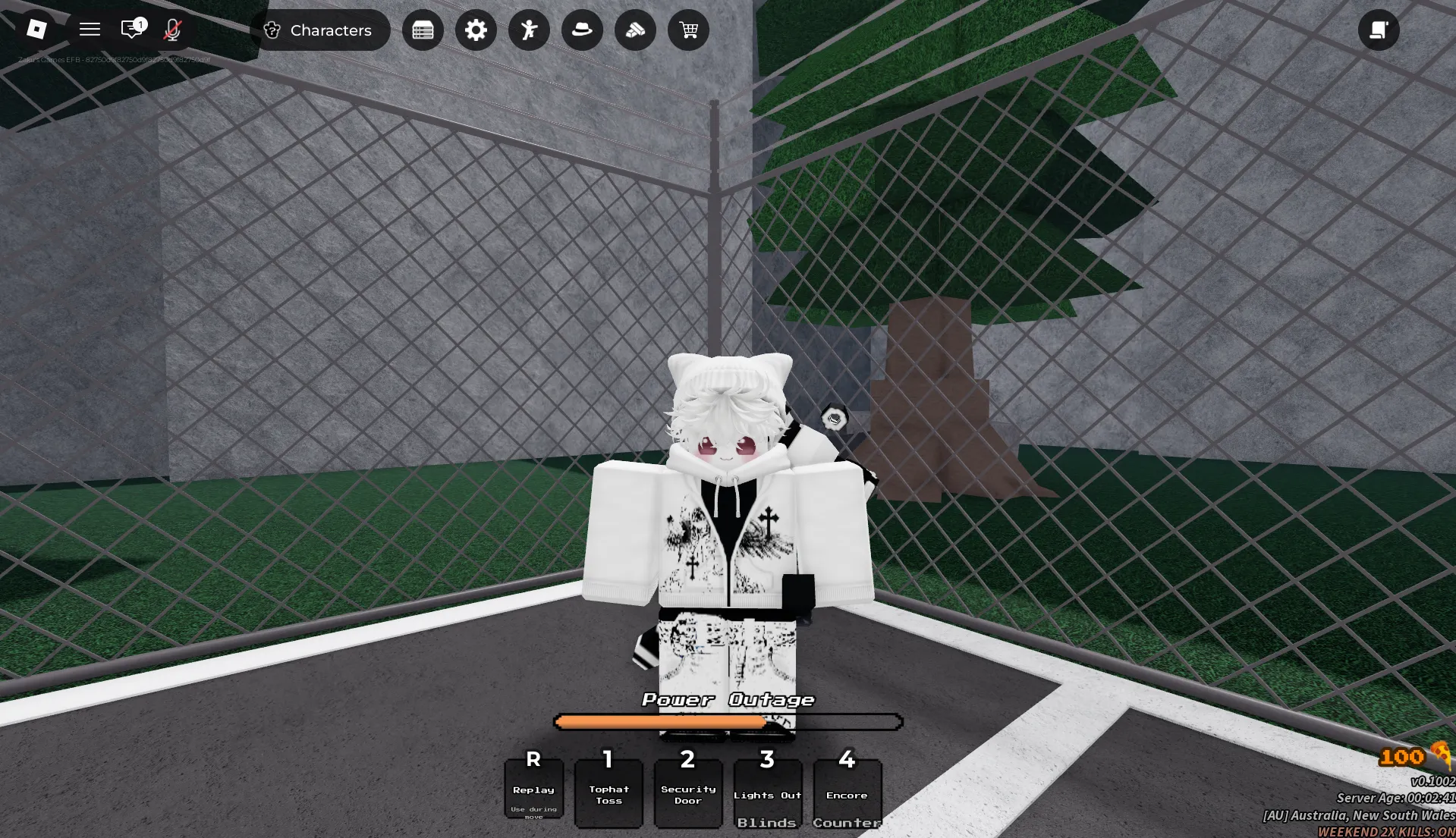


Latest FNAF Battlegrounds Codes (April 2026)
How to Redeem FNAF Battlegrounds Codes
- Launch FNAF Battlegrounds on Roblox and wait for the main lobby to load.
- Press the Rewards button at the top of the screen, located to the right of the Settings Cog/Gear icon.
- Select the Redeem Codes option from the menu.
- Type or paste a working code into the text box exactly as shown (codes are case-sensitive).
- Press the Send button to claim your free Pizza or Spins instantly.
- If the code doesn't work, try rejoining the game to refresh the server, or check if it has expired.
About FNAF Battlegrounds
FNAF Battlegrounds is a fast-paced PvP fighting game on Roblox where players step into the shoes (or servos) of iconic animatronics from the Five Nights at Freddy's universe. Choose your favorite character, master unique special moves, and train to become the strongest fighter in intense head-to-head battles. The game emphasizes skill-based combat, strategic ability usage, and continuous improvement—every match is a chance to refine your combos and climb the competitive ranks.
Built for fans of fighting games and FNAF lore, FNAF Battlegrounds rewards practice and adaptation. Regular code drops grant free Pizza and Spins—valuable currencies used to unlock new animatronics, upgrade abilities, or try your luck at the reward wheel for rare cosmetics. Pizza helps you progress your roster steadily, while Spins offer exciting chances at limited-time rewards, making code redemption a fun way to expand your options before your next battleground showdown.
⚔️ Core Gameplay Loop
Select an animatronic fighter, learn their move set, and challenge other players in 1v1 or team battles. Win matches to earn experience and currency, then spend rewards on new characters, ability upgrades, or cosmetic customizations. Lose a fight? Analyze your opponent's patterns, adjust your strategy, and jump back in—every battle sharpens your skills.
💎 Pizza & Spins Progression
Pizza is the primary currency for unlocking new animatronics and upgrading core abilities, while Spins let you try the gacha-style reward wheel for rare skins and cosmetics. Save Pizza for characters that match your preferred playstyle, and use free code rewards to experiment with different fighters or chase exclusive limited-time items.
How to Find New FNAF Battlegrounds Codes
Why Some FNAF Battlegrounds Codes Don't Work
Match the Exact Letter Case
FNAF Battlegrounds validates codes with strict character recognition. Typing ennard instead of ENNARD will trigger an error. To avoid failed attempts, replicate the capitalization exactly as displayed or paste directly from a trusted source like BLOXBURST.
No Extra Spaces or Symbols
Only enter the code itself—no quotation marks, hashtags, or leading/trailing spaces. The input field accepts alphanumeric characters only. When unsure, copy-paste the full string from our verified list for precision.
Code Has Expired
Many FNAF Battlegrounds codes are designed for short campaigns tied to updates, holidays, or community goals. Once the event window closes, the code deactivates automatically. If a properly entered code fails, it's likely past its validity — check reliable trackers for newer replacements.
Server Sync Delay
Sometimes a brand-new code might not work immediately on all servers due to update propagation delays. If a valid code fails, try closing and rejoining the game to connect to a freshly updated server where the code should activate correctly.
Beginner Tips for FNAF Battlegrounds
Claim all active codes before purchasing new animatronics or upgrades. Free Pizza from codes gives you extra progression power without depleting your earned currency. This quick step can significantly boost your early roster options.
Instead of spreading Pizza across multiple animatronics, prioritize mastering one fighter's move set first. This focused approach helps you win more matches faster and earn more rewards to fuel your growth before diversifying your roster.
Winning in FNAF Battlegrounds isn't just about button-mashing—it's about timing. Spend early matches practicing combos in safe areas, then test them against AI or lower-ranked players before jumping into competitive duels.
The reward wheel often features limited-time cosmetics during special events. Save your Spins for these windows to maximize your chances at exclusive items, rather than spending them randomly during regular rotations.
Zaku's Games often releases fresh codes following patches, milestone celebrations, or holiday events. Make it a habit to check BLOXBURST or official Discord after updates for new free Pizza or Spins that can freshen up your fighter roster.
Latest Update Wiki
Fresh guides + updates from BLOXBURST Wiki
How to Redeem Roblox Codes (Step-by-step)
A quick guide to make sure you don't make mistakes when redeeming.
Read →How we check codes (manual testing)
An explanation of how we scan and test codes.
Read →Common reasons for "Invalid Code".
Common issues and fast solutions.
Read →💬 Leave a Comment
Have a question or feedback about FNAF Battlegrounds? Send it to us!