
Dying Days Zombies Codes


Latest Dying Days Zombies Codes (April 2026)
How to Redeem Codes
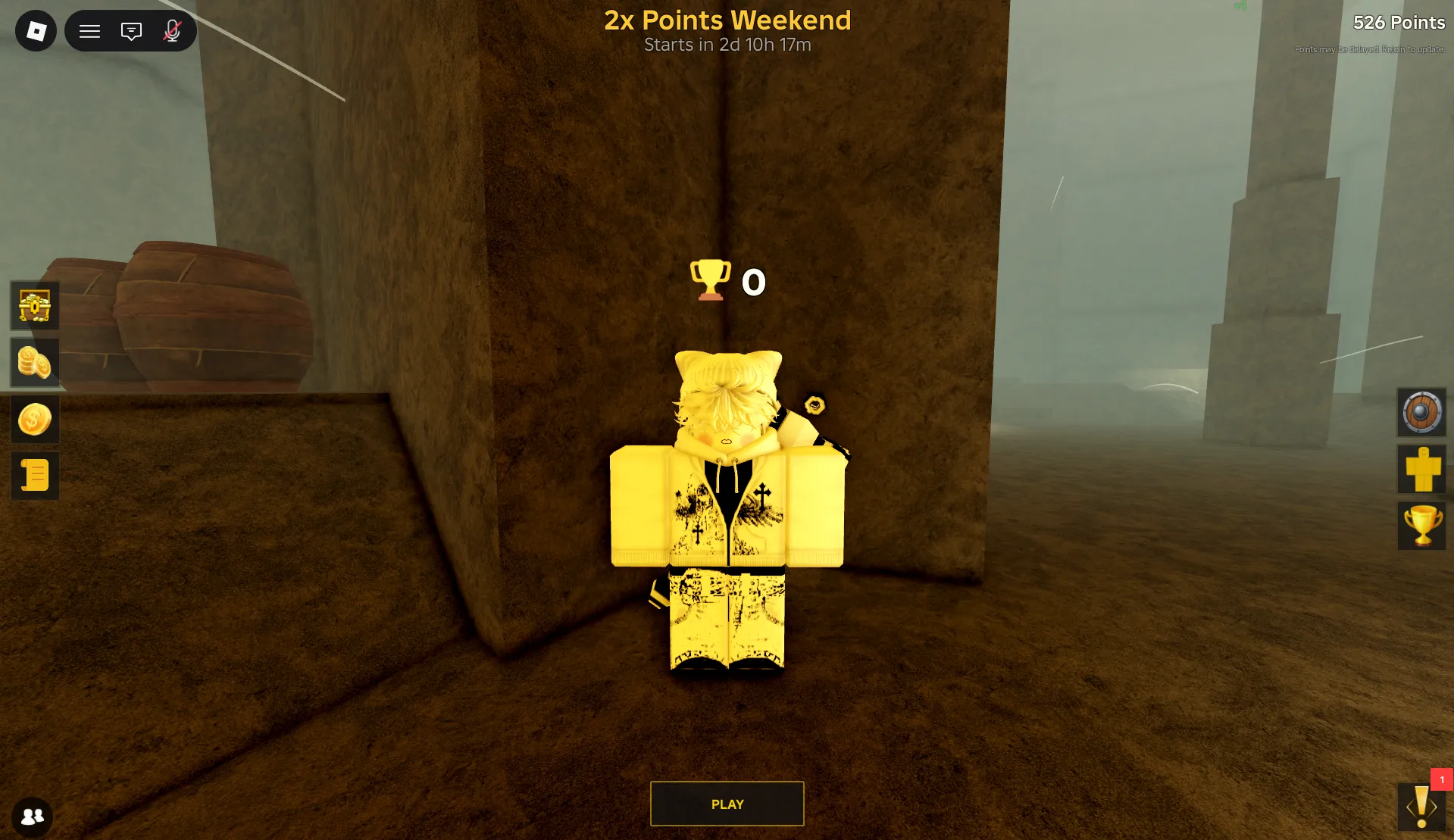
- Click the Coin Icon on the left side of the screen.
- Enter a Working Code in the Enter Code text box and hit the green Redeem button.
- If the code is still active, your free rewards will be added instantly.
- If it doesn't work, let us know in the comments!
About Dying Days Zombies
In Roblox Dying Days Zombies, players face the challenge of surviving a world overrun by zombies. An ancient necromancer has been resurrected, leading an army of the undead to destroy your village. The goal of the game is to protect the last remaining village and defeat the necromancer within 31 days. Players must craft barricades, buy weapons, and fend off waves of zombies and bosses to stay alive.
To succeed, you’ll need to strategize and survive for as long as possible. The game requires you to gather resources, strengthen your defenses, and plan your attacks carefully. Each day, the necromancer’s power grows, and the zombies become more dangerous. Will you last long enough to defeat the necromancer, or will your village fall to the undead horde?
What Do Codes Give You?
Points & Boosts
Points are the primary currency in Dying Days Zombies, used to fund upgrades, weapon purchases, and character progression. Point Boosts temporarily multiply the points earned from battles, making them most valuable when activated before intense zombie waves — helping you level up faster and stay stronger longer.
Revives allow you to continue playing after defeat without losing your current progress, offering a safety net during high-difficulty encounters where dying would normally set you back.
Primary Currency & Combat AidHow to Find New Codes
Why Some Codes Don't Work
Case-Sensitive Input
Dying Days Zombies codes are sensitive to spaces. Make sure to copy and paste the code exactly as it appears, including spaces, to avoid errors. Spaces must be included exactly as shown.
Codes With Spaces
Some codes in Dying Days Zombies contain spaces — "E X A M P L E" is an example. The space is part of the code and must be included exactly as shown. Copying these codes directly from BLOXBURST is the safest approach to avoid mistakes like omitting the space or adding one
Code Has Expired
Codes can expire without advance notice. If a code doesn’t appear in the active list, it has been flagged as expired and will not work. BLOXBURST cross-checks multiple sources to ensure active codes are up to date — always check for the latest working codes.
Already Redeemed
Each code in Dying Days Zombies can only be used once per Roblox account. If you see a "code already redeemed" message, the reward has already been applied to your account in a previous session. Be sure to check your active rewards or try using a different code if you’ve already redeemed it.
Old Server After Update
If you’re still playing on an old server after an update, it’s possible that the codes you’re trying to redeem are outdated or incompatible with the current version. Make sure you join the latest server after an update to get the most current experience and working codes.
Wrong Menu Location
To redeem codes, you must click the Coin button at the left of the screen. Don’t use the Store button. Ensure you paste the code directly into the Enter Code text box and hit the Redeem button — don’t press Enter!
Beginner Tips for Dying Days Zombies
Redeem all active codes as soon as you start. This gives you free points and boosts that will help you upgrade weapons and defenses. Starting with these resources will give you a head start compared to other players.
Point Boosts are a great way to multiply the points you earn during zombie waves or boss fights. Activate them right before a big battle to maximize your rewards, which will help you level up faster.
Don’t waste your boosts on regular zombie fights. Save them for tougher challenges like boss fights or waves that will push your survival skills to the limit. This ensures you're using boosts when they are most valuable.
Revives are essential in high-stakes situations. Use them only during boss fights or tough waves, not during easy zombie encounters. Saving them for emergency situations makes sure they have a meaningful impact when needed most.
Always stay updated on new codes. BLOXBURST and the game’s official channels will release codes that give you free rewards like points and boosts. Check these sources regularly so you don’t miss out, as some codes expire quickly.
PARADOX releases codes consistently following content updates and bug fix patches — the morebugfixes code is a direct example of this pattern. Checking the Discord announcements channel within the first hour of any update notification or patch post is the fastest way to claim new codes before they expire. Given the volume of past compensation and patch codes, this pattern is one of the most reliable predictors of upcoming drops in the game.
Latest Update Wiki
Fresh guides + updates from BLOXBURST Wiki
How to Redeem Roblox Codes (Step-by-step)
A quick guide to make sure you don't make mistakes when redeeming.
Read →How we check codes (manual testing)
An explanation of how we scan and test codes.
Read →Common reasons for "Invalid Code".
Common issues and fast solutions.
Read →💬 Leave a Comment
Have a question or feedback? Send it to us!