
Cog Codes
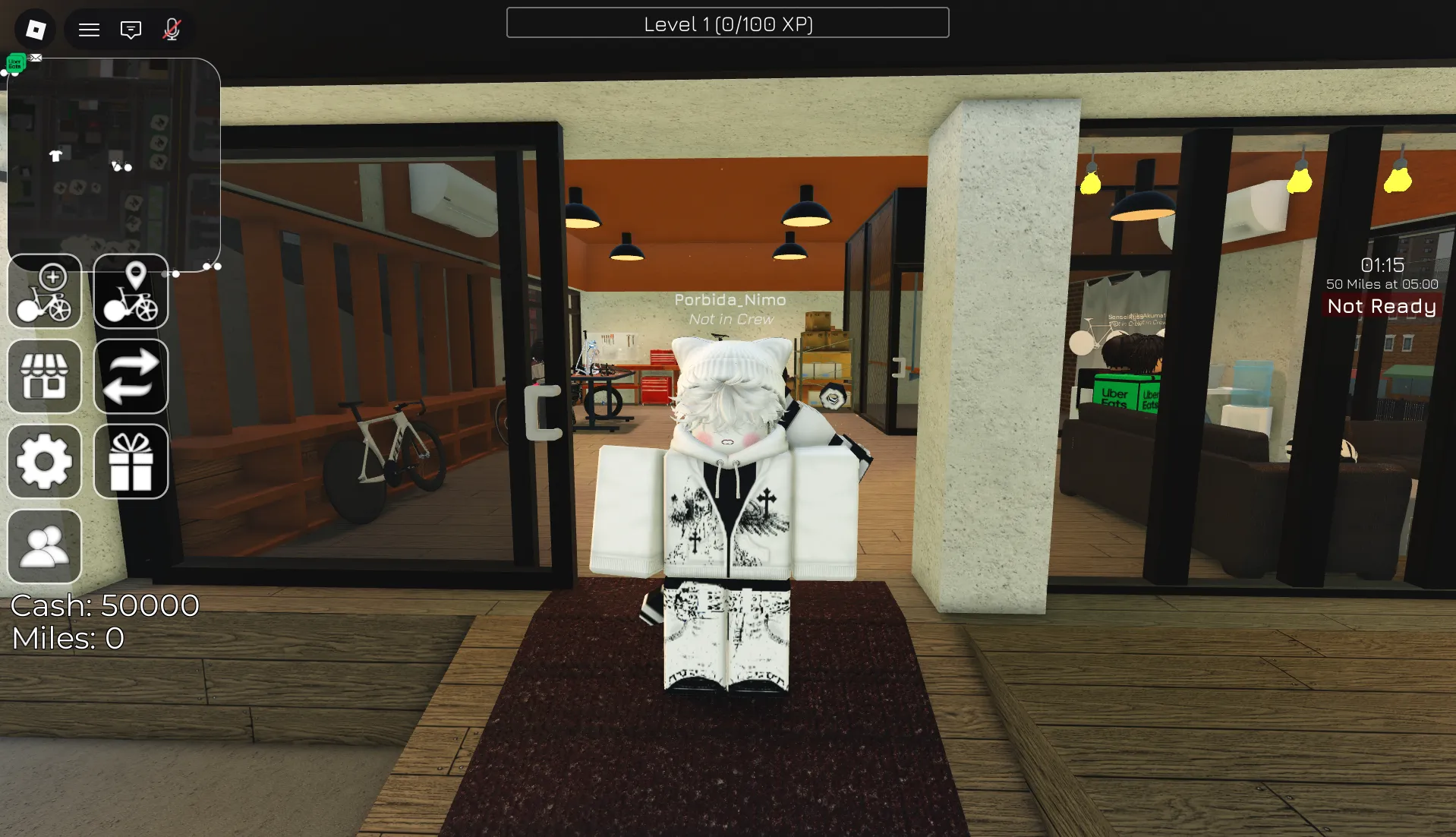


Latest Cog Codes (April 2026)
How to Redeem Cog Codes
- Launch Cog on Roblox and wait for the main game screen to load.
- Open the in-game chat by pressing the speech bubble in the top-left corner OR pressing the / key on your keyboard.
- Type or paste a working code into the chat box exactly as shown (codes are case-sensitive).
- Press Enter/Return on your keyboard to claim your free Miles instantly.
- If the code doesn't work, try rejoining the game to refresh the server, or check if it has expired.
About Cog
Cog is a relaxing yet competitive fixed-gear bike simulator on Roblox where players ride through city streets, complete delivery jobs, and race against others to earn Miles. Use your earnings to unlock new bikes, customize your ride, and build the ultimate collection of fixed-gear bicycles. The game rewards consistent riding, strategic route planning, and community engagement through races and events.
Designed for fans of cycling sims and casual progression, Cog features regular code drops that grant free Miles—valuable currency used to purchase new bikes, upgrades, and cosmetics. Miles are essential for new players to expand their bike collection quickly, making code redemption a critical early-game strategy before tackling high-level delivery jobs or competitive races.
🚴 Core Gameplay Loop
Ride your fixed-gear bike through city streets to earn Miles. Complete delivery jobs for bonus rewards. Race against other players for leaderboard rankings. Spend Miles to unlock new bikes and customize your ride.
💨 Miles & Bike Collection System
Miles are earned through riding, deliveries, and races. Spend Miles to unlock new bike models, upgrade performance stats, and purchase cosmetic customizations. Save Miles for high-value bikes that match your preferred riding style (speed-focused vs. endurance-focused builds).
How to Find New Cog Codes
Why Some Cog Codes Don't Work
Match the Exact Letter Case
Cog validates codes with strict character recognition. Typing felt instead of FELT will trigger an error. To avoid failed attempts, replicate the capitalization exactly as displayed or paste directly from a trusted source like BLOXBURST.
No Extra Spaces or Symbols
Only enter the code itself—no quotation marks, hashtags, or leading/trailing spaces. The input field accepts alphanumeric characters only. When unsure, copy-paste the full string from our verified list for precision.
Code Has Expired
Many Cog codes are designed for short campaigns tied to updates, holidays, or community goals. Once the event window closes, the code deactivates automatically. If a properly entered code fails, it's likely past its validity — check reliable trackers for newer replacements.
Server Sync Issues
Sometimes a new code might not work on every server right away. Try logging out and back in, or finding a different server to play on. If it's a brand new code that doesn't work, rejoining often puts you on an updated server where the code will be active.
Beginner Tips for Cog
Claim all active codes before spending Miles on new bikes. Free Miles from codes give you extra purchasing power without depleting your earned currency. This quick step can significantly boost your early bike collection progress.
Instead of just riding around randomly, prioritize completing delivery jobs for consistent Mile earnings. This focused approach helps you build a steady income to fund bigger bike purchases and upgrades.
Not all bikes are created equal. Save your Miles for high-performance or rare bike models that offer better speed, handling, or customization options rather than spending on common bikes early-game.
Races offer bonus Miles and exclusive rewards for top finishers. Practice your route planning and bike handling skills to compete effectively and earn extra Miles beyond standard riding.
Cogs And Chainrings often releases fresh codes following patches, milestone celebrations, or holiday events. Make it a habit to check BLOXBURST or official Discord after updates for new free Miles that can fuel your next bike purchase.
Latest Update Wiki
Fresh guides + updates from BLOXBURST Wiki
How to Redeem Roblox Codes (Step-by-step)
A quick guide to make sure you don't make mistakes when redeeming.
Read →How we check codes (manual testing)
An explanation of how we scan and test codes.
Read →Common reasons for "Invalid Code".
Common issues and fast solutions.
Read →💬 Leave a Comment
Have a question or feedback about Cog? Send it to us!