
Clip Tycoon Codes
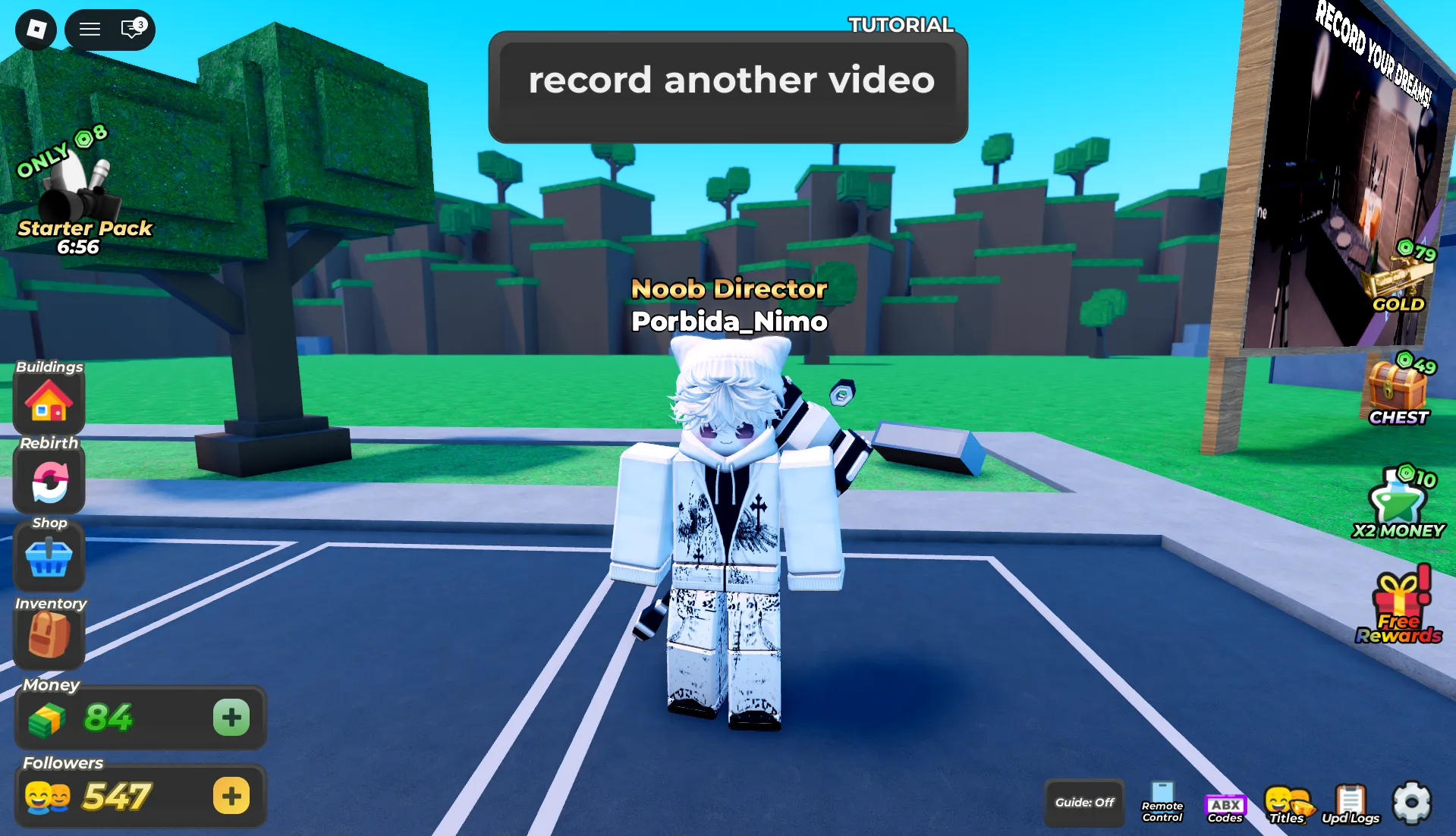


Latest Clip Tycoon Codes (May 2026)
How to Redeem Clip Tycoon Codes
- Launch Clip Tycoon on Roblox and wait for the main garage/studio screen to load.
- Press the Shop button located on the left side of the screen.
- Either press the ABX button or scroll down to the bottom of the Shop window.
- Enter a working code in the "Enter Code Here" text box exactly as shown (codes are case-sensitive).
- Hit the green arrow button to receive your free Boosts, Money Boost Potions, or Freebies instantly.
- If the code doesn't work, try rejoining the game to refresh the server, or check if it has already expired.
About Clip Tycoon
Clip Tycoon delivers a unique business tycoon experience on Roblox where you create your own recording business, starting in just a garage with simple video gear. Your goal is to record new content, edit recordings into polished clips, and upload them online to earn money so you can expand your operation. Every decision matters as you upgrade equipment, hire staff, and grow your studio from a humble garage to a professional content creation empire in this engaging incremental simulation.
Built for fans of management sims and creative progression, Clip Tycoon rewards strategic planning and efficient workflow management. Redeeming codes for Boosts, Money Boost Potions, and Freebies gives you a valuable head start as you purchase better equipment, unlock new recording locations, and accelerate your content creation pipeline. These rewards accelerate your progression without breaking game balance—letting you focus on optimizing your editing workflow, discovering viral content strategies, and building your ultimate recording business empire.
🎥 Core Production Loop
Record content with basic gear, edit clips to increase value, upload online to earn money, then reinvest in better equipment and studio upgrades. Strategic equipment choices and timely upgrades help you maximize earnings while enjoying the satisfying incremental growth that defines the genre.
💎 Boosts & Studio Expansion
Boosts and Money Boost Potions from codes provide immediate cash injections and efficiency multipliers. While these rewards speed up your studio growth, the core thrill comes from mastering the content creation pipeline, discovering viral editing techniques, and scaling your operation from garage to global brand.
How to Find New Clip Tycoon Codes
Why Some Clip Tycoon Codes Don't Work
Match the Exact Letter Case
Clip Tycoon validates codes with strict character recognition. Typing building instead of BUILDING will trigger an error. To avoid failed attempts, replicate the capitalization exactly as displayed or paste directly from a trusted source like BLOXBURST.
No Extra Spaces or Symbols
Only enter the code itself—no quotation marks, hashtags, or leading/trailing spaces. The input field accepts alphanumeric characters and specific symbols only. When unsure, copy-paste the full string from our verified list for precision.
Code Has Expired
Many Clip Tycoon codes are designed for short campaigns tied to updates, holidays, or community goals. Once the event window closes, the code deactivates automatically. If a properly entered code fails, it's likely past its validity — check reliable trackers for newer replacements.
Server Sync or Shop Menu Location
Some new codes may not work on every server immediately after release. Also, ensure you're accessing the code input via the ABX button or by scrolling to the bottom of the Shop window. Try logging out and back in, joining a different server, or verifying you're in the correct menu section to resolve "invalid code" errors.
Beginner Tips for Clip Tycoon
Claim all active codes before starting your recording business. Free Boosts and Money Boost Potions from codes give you instant advantages, letting you upgrade equipment faster while you focus on mastering the editing workflow without grinding early clips.
Invest your first rewards into better recording gear and editing tools—they compound your earnings by producing higher-value clips. Better equipment means more money per upload, accelerating your entire progression loop.
Don't activate Money Boost Potions randomly. Time your multipliers during high-value recording or editing sessions to maximize their impact. Tracking your earnings/hour helps you identify optimal boost windows for accelerated growth.
Don't spend all rewards on one upgrade. Balance hiring staff, buying equipment, and expanding your studio space to create a resilient, efficient content creation operation that can handle viral moments and maximize profits.
Abyssal Interactive often releases fresh codes following patches, milestone celebrations, or community events. Make it a habit to check BLOXBURST or official Discord after updates for new free Boosts or Money Potions that can freshen up your tycoon strategy.
Latest Update Wiki
Fresh guides + updates from BLOXBURST Wiki
How to Redeem Roblox Codes (Step-by-step)
A quick guide to make sure you don't make mistakes when redeeming.
Read →How we check codes (manual testing)
An explanation of how we scan and test codes.
Read →Common reasons for "Invalid Code".
Common issues and fast solutions.
Read →💬 Leave a Comment
Have a question or feedback about Clip Tycoon? Send it to us!