
Build A Farm Factory Codes
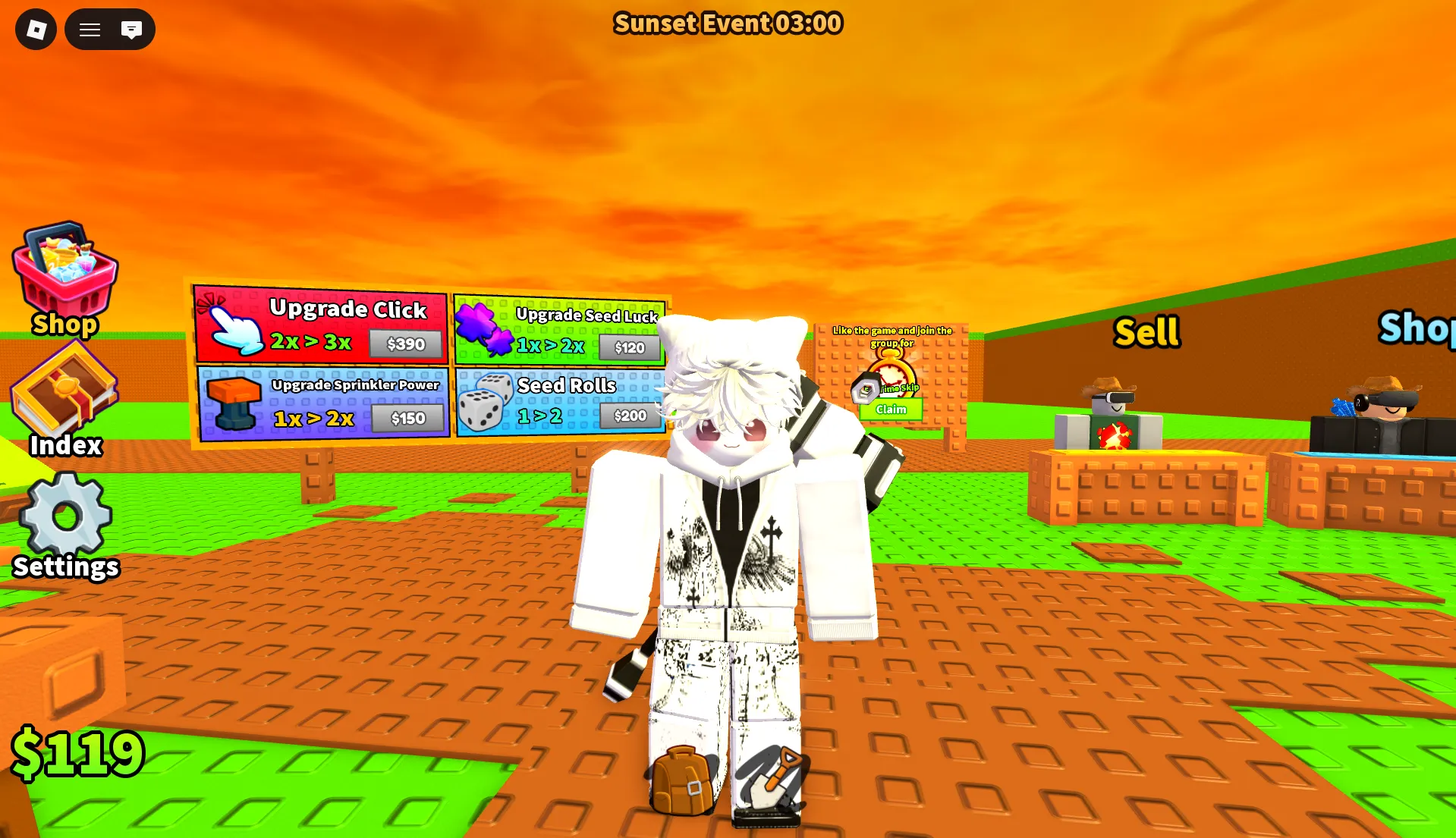


Latest Build A Farm Factory Codes (April 2026)
How to Redeem Codes
- Click the Settings button on the left side of the screen.
- Select the golden Codes button.
- Type an active code into the “Enter here!” text box.
- Click the green Redeem button to claim your reward.
- If the code is still valid, your free rewards will be added instantly.
About Cursed Tower Defense
Build A Farm Factory is a game on Roblox where your goal is to build and run your own farm factory. In this game, you plant crops, harvest them, and sell them to earn money. With the money you earn, you can upgrade machines and conveyor belts to automate your farm. As your farm grows, your system becomes faster and more efficient, resulting in more profits and resources.
What makes the game more engaging is its mix of farming, upgrading, and factory-style automation. Instead of only growing crops manually, players can gradually create a more efficient setup that helps them earn faster and manage resources better. This gives the game a satisfying progression system, especially for players who enjoy simulation and tycoon-style gameplay.
How to Find New Codes
Why Some Codes Don't Work
Case-Sensitive Input
Build A Farm Factory checks codes with exact character matching. This means uppercase and lowercase letters are treated differently. Always enter codes using the correct capitalization as displayed. When in doubt, copy the code directly from a reliable source and paste it into the game's redeem field to prevent input errors.
Codes With Spaces
Certain codes include spaces as part of their format. If a code appears with gaps, those spaces are required for successful redemption. Skipping or adding unintended spaces will result in an invalid message. For best results, replicate the code exactly as shown, including any visible spacing.
Code Has Expired
Promo codes in Build A Farm Factory are often tied to time-limited events, updates, or player milestones. Once the promotion ends, the code may stop working without prior notice. If a code fails despite correct entry, it has likely expired. Regularly check for fresh code releases to stay updated.
Already Redeemed
Every code in Build A Farm Factory is limited to one redemption per Roblox account. Attempting to reuse a code will trigger an "already redeemed" notification. If you see this message, the reward has already been credited to your account. Verify your inventory or mailbox, then search for new active codes to claim more items.
Beginner Tips for Build A Farm Factory
Before diving into gameplay, take a moment to redeem any active codes. These often provide free items, companions, or resources that can speed up your early progress. Starting with these bonuses helps you unlock upgrades faster and build a stronger foundation for your farm factory.
Build A Farm Factory rewards efficiency. As soon as you earn enough coins, invest in auto-harvesters, conveyor belts, or storage expanders. Automating repetitive tasks frees up your time to focus on expanding your farm, unlocking new crops, and planning your next upgrades.
Where you place crops, machines, and paths affects your productivity. Group similar crops together, keep harvest routes short, and leave room for future expansions. A well-organized farm reduces idle time and helps your factory run smoother as you scale up.
Developers often release fresh codes alongside game updates, events, or player milestones. Make it a habit to check trusted sources regularly for new codes. Since they can expire or be limited-use, redeeming them early ensures you don't miss out on free rewards.
The official Roblox group or Discord server for Build A Farm Factory is a great place to spot new codes, farming strategies, and update news. Staying connected with other players helps you learn efficient layouts, discover hidden mechanics, and grab time-sensitive rewards before they're gone.
Latest Update Wiki
Fresh guides + updates from BLOXBURST Wiki
How to Redeem Roblox Codes (Step-by-step)
A quick guide to make sure you don't make mistakes when redeeming.
Read →How we check codes (manual testing)
An explanation of how we scan and test codes.
Read →Common reasons for "Invalid Code".
Common issues and fast solutions.
Read →💬 Leave a Comment
Have a question or feedback? Send it to us!