
99 Nights in the Arctic Codes
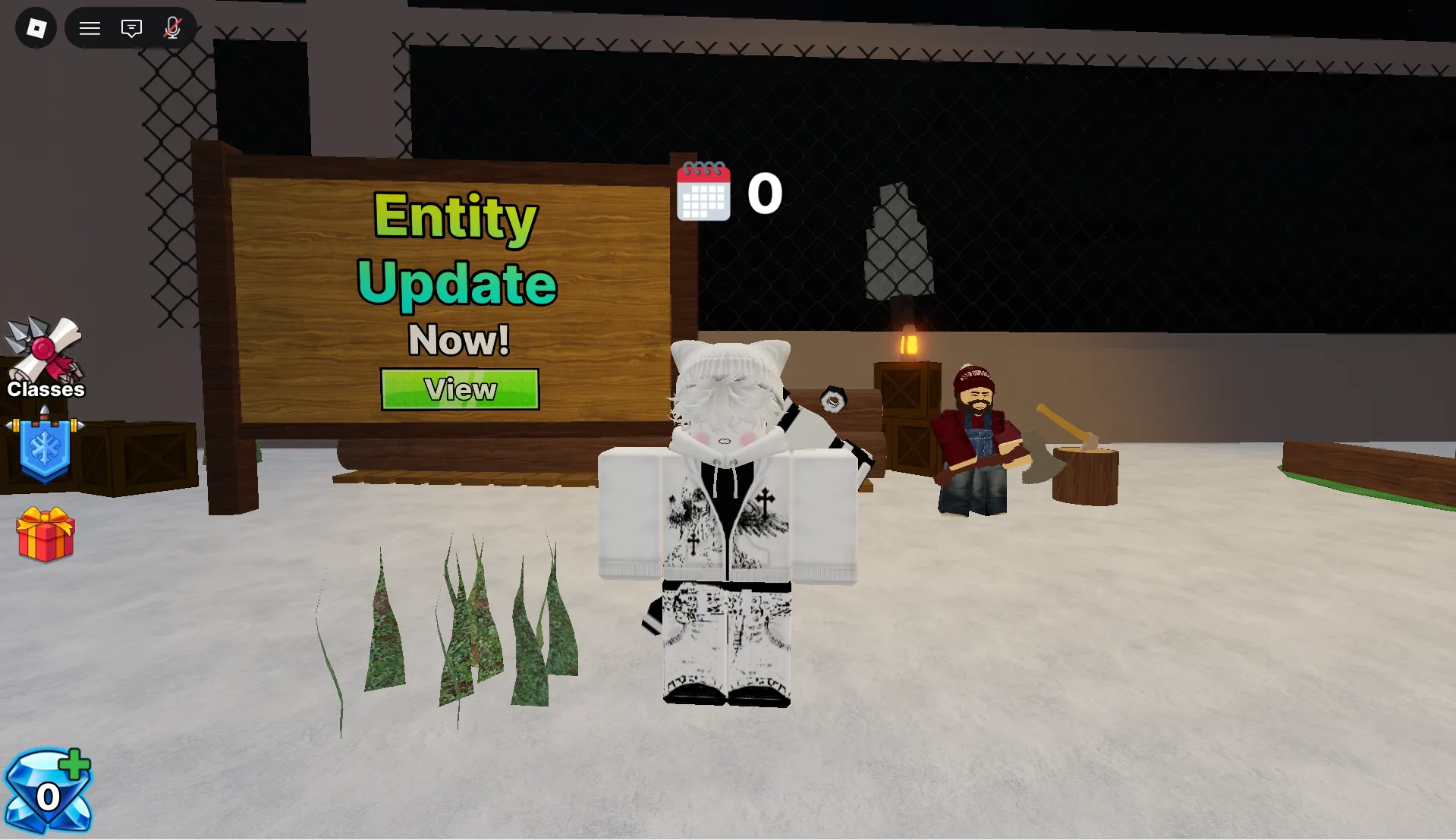


Latest 99 Nights in the Arctic Codes (May 2026)
How to Redeem 99 Nights in the Arctic Codes
- Launch 99 Nights in the Arctic on Roblox and wait for the main game screen to load completely.
- Locate the Gems button on the bottom left of your screen and click it to open the panel.
- Inside the panel, find and select the Code tab.
- Carefully type or paste a working code into the text box exactly as shown — codes are case-sensitive, so every character matters.
- Press the green Redeem button to instantly claim your free Gems.
- If a code doesn't work right away, try closing and reopening the game to join a fresh server with the latest update build.
About 99 Nights in the Arctic
99 Nights in the Arctic is a cooperative survival experience developed by Uncle Devs on Roblox, where players must work together to endure 99 frigid nights after a mysterious plane crash leaves them stranded in a frozen wilderness. The core gameplay loop revolves around resource gathering, shelter construction, fire maintenance, and hunger management — all while an unknown entity lurks beneath the ice, growing more aggressive as the nights progress. Every decision your team makes, from what materials to prioritize to when to venture out for supplies, directly impacts your collective ability to survive the escalating threats of the arctic night.
At its foundation, 99 Nights in the Arctic rewards communication and strategic planning. Gems, the game's premium currency, unlock powerful character classes and ability upgrades that can dramatically alter your survival approach. Codes provide one of the fastest ways to earn Gems without compromising the skill-based challenge of wilderness survival, giving both newcomers and veterans a meaningful boost while preserving the game's carefully balanced progression that emphasizes teamwork over solo grinding.
Uncle Devs actively engages with the 99 Nights in the Arctic community through regular updates and milestone celebrations. Codes are frequently released to mark achievements like member counts, favorite milestones, or seasonal events — giving players extra resources to experiment with new classes or strengthen their survival setups. For the freshest codes, bookmark this page or join the official 99 Nights in the Arctic Discord for real-time announcements straight from the developers.
Whether you're a casual player looking for spooky co-op fun or a hardcore strategist aiming to optimize your team's survival route, 99 Nights in the Arctic offers scalable challenge and rewarding tactical depth. For deeper strategy breakdowns, explore our Game Guides section, or visit our Beginner Tips page if you're just learning the fundamentals of survival horror mechanics.
🔥 Fire & Resource Management
Success in 99 Nights in the Arctic hinges on maintaining your campfire and managing limited resources. Prioritize wood gathering early to keep the fire burning, then branch into food and shelter materials. A well-stocked camp provides warmth, safety, and a strategic base for nighttime operations.
💎 Gems & Class System
Gems unlock powerful character classes through the in-game shop. Codes provide free Gem injections, letting players experiment with diverse playstyles without affecting core gameplay balance or competitive fairness. Each class offers unique abilities that can dramatically alter your survival strategy.
👹 Entity Avoidance Mechanics
The entity beneath the ice exhibits escalating aggression patterns as nights progress. Learning its behavior helps you plan safe exploration routes, time your resource gathering runs, and minimize unexpected encounters that could endanger your entire team.
🔄 Community-Driven Updates
Uncle Devs listens closely to player feedback and frequently updates 99 Nights in the Arctic with new classes, mechanics, and quality-of-life improvements. Staying connected via their Roblox Group ensures you never miss meta shifts or fresh code drops.
How to Find New 99 Nights in the Arctic Codes
Why Some 99 Nights in the Arctic Codes Don't Work
Wrong Letter Case
99 Nights in the Arctic's code system is fully case-sensitive. A single uppercase letter entered as lowercase (or vice versa) will trigger an invalid error even if the rest of the code is correct. Always replicate capitalization exactly as shown, or copy-paste directly from our verified list to eliminate any typo risk entirely.
Extra Spaces or Characters
Accidentally copying a leading space, trailing space, or stray punctuation alongside the code will cause it to fail. The input field only accepts the exact alphanumeric string. When in doubt, paste your code into a plain text editor first to strip any hidden formatting, then copy it cleanly into the game's code box.
Code Has Expired
Many 99 Nights in the Arctic codes are tied to limited-time campaigns — update launches, holiday events, or player count celebrations. Once that window closes, the code deactivates automatically with no warning. If a correctly formatted code still fails, it has likely expired. Check back on this page for freshly verified replacements.
Server Out of Sync
Brand new codes sometimes take a few minutes to propagate across all active game servers. If you're trying a code right after it was announced and it's failing, the server you're on may be running an older build. Leave the game completely, wait a couple of minutes, then rejoin — you'll likely land on a fresh server where the code is recognized.
Already Redeemed
Each code in 99 Nights in the Arctic can only be claimed once per account. If you've already used a code in a previous session, attempting to enter it again will return an error. Keep a personal log of codes you've already claimed so you don't waste time re-entering them — or simply skip codes marked with dates older than your last redemption session.
Group Membership Required
Occasionally, Uncle Devs releases exclusive codes that are only redeemable by members of their official Roblox Group. If a code works for others but not for you, check whether group membership is a listed requirement. Joining is free — visit the Uncle Devs group page and hit Join to unlock access.
Pro Tips for 99 Nights in the Arctic — Advanced Strategies
Before you invest any earned Gems into unlocking classes or upgrades, claim every active code on this page first. Free Gems from codes add to your pool without costing you any earned progress. This small habit at the start of each session can meaningfully accelerate your class experimentation, especially after major updates when multiple new codes drop simultaneously.
The fire is your primary survival mechanic — if it goes out, your team loses warmth fast. Dedicate your first few minutes entirely to gathering wood and keeping the fire stocked before branching into food or shelter building.
Having everyone gather the same resource wastes time. Assign one player to maintain the fire, one to gather food, and one to scout for materials — coordinated role splitting lets your group cover far more ground per night than going solo on all tasks.
The entity under the ice becomes more aggressive after nightfall and actively targets isolated players. Stay within range of a teammate after dark, or return to camp before night arrives if you have been foraging far from the shelter.
Early shelter walls provide minimal protection against the entity. Investing in structural upgrades during calmer early nights pays off significantly once the threat escalates — a fortified hut buys your team precious time to react and regroup.
Uncle Devs consistently releases new codes alongside version patches and milestone announcements. Make it a habit to check BLOXBURST or the official Discord server immediately after any patch notification. Update-day codes tend to be the most generous, often awarding multiple Gems at once — and they frequently expire within days of release.
Related Articles
Guides + updates from BLOXBURST
How to Redeem Roblox Codes (Step-by-step)
A quick guide to avoid common mistakes when redeeming codes in any Roblox game.
Read →How We Check Codes (Manual Testing)
A behind-the-scenes look at our verification process for every code we publish.
Read →Common Reasons for "Invalid Code" Errors
The most frequent causes of failed redemptions and how to resolve each one.
Read →💬 Leave a Comment
Found a new code? Got a question about 99 Nights in the Arctic? Let us know below!